Roll specification
Include material, thickness, stretch, web width, roll diameter and roll weight.

HESPER / FILM CUT-TO-LENGTH
Automatic roll feeding · Cut-to-length cross-cutting · Chinese/English controls
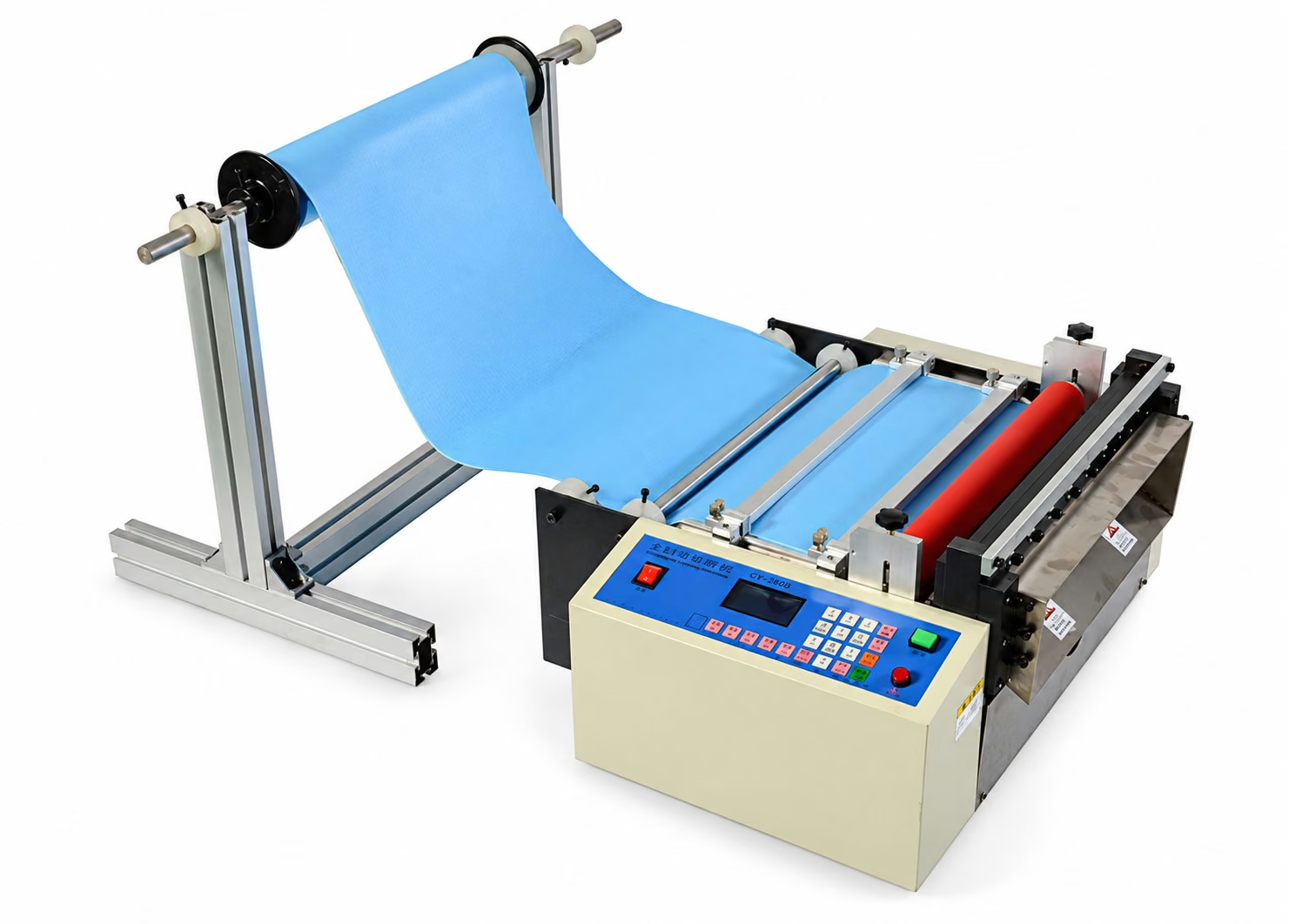
Oblique machine view: control panel, cutting assembly and separate roll holder
Open image to enlarge ↗ROLL FEEDING / CUT-TO-LENGTH
Automatic feeding and cut-to-length cross-cutting for PVC film, PET film, bubble wrap and nonwoven rolls. The Chinese/English LCD control panel provides settings for cut length, feed speed and quantity. The machine includes a pressure-adjustable feed roller, material guides and a separate floor-standing roll holder.
Share the material type, thickness, width and finished length to confirm suitability.
PRODUCT VIDEO
See the film feeding and cutting process in action.
English video · Approx. 42 sec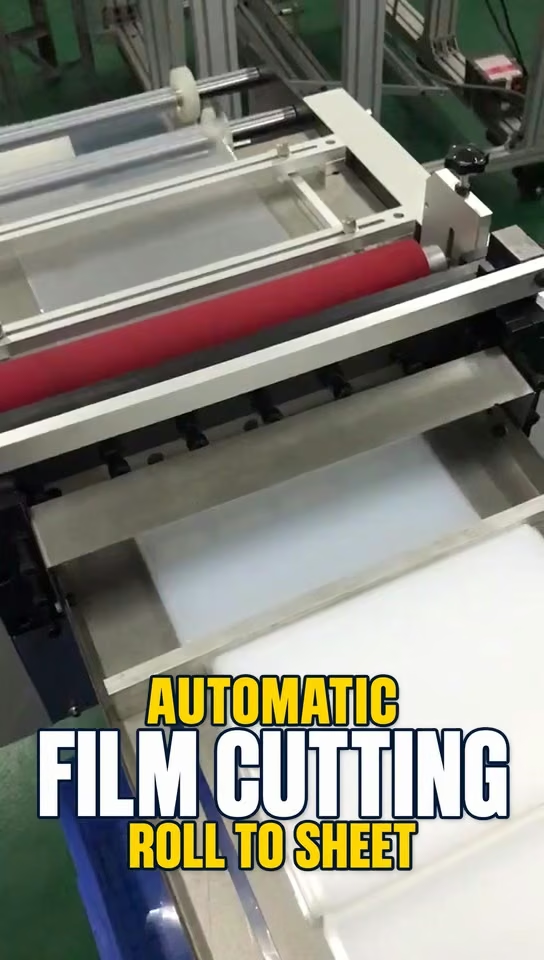 Watch Demo on YouTube Opens in a new tab
01 / MODEL RANGE
Ten width specifications from 100 to 1500 mm. Share your material width and cutting requirements to confirm the right model.
| Model | Width specification |
|---|---|
| CXY-100G | 100 mm |
| CXY-200G | 200 mm |
| CXY-300G | 300 mm |
| CXY-400G | 400 mm |
| CXY-500G | 500 mm |
| CXY-600G | 600 mm |
| CXY-800G | 800 mm |
| CXY-1000G | 1000 mm |
| CXY-1200G | 1200 mm |
| CXY-1500G | 1500 mm |
02 / MACHINE FEATURES
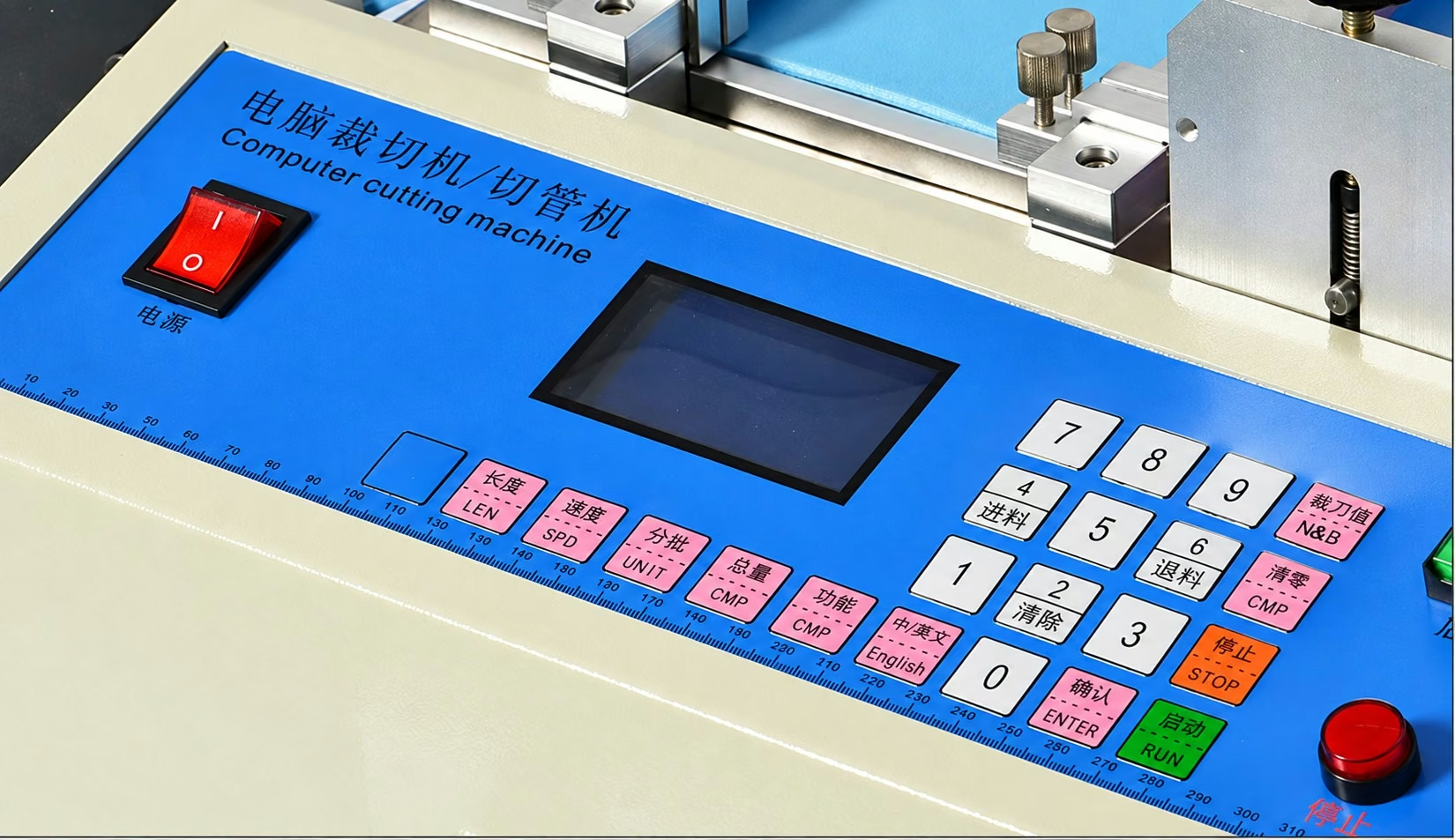
Set cut length, feed speed and batch quantity using the LCD panel and keypad. Switch between English and Chinese on the control panel.
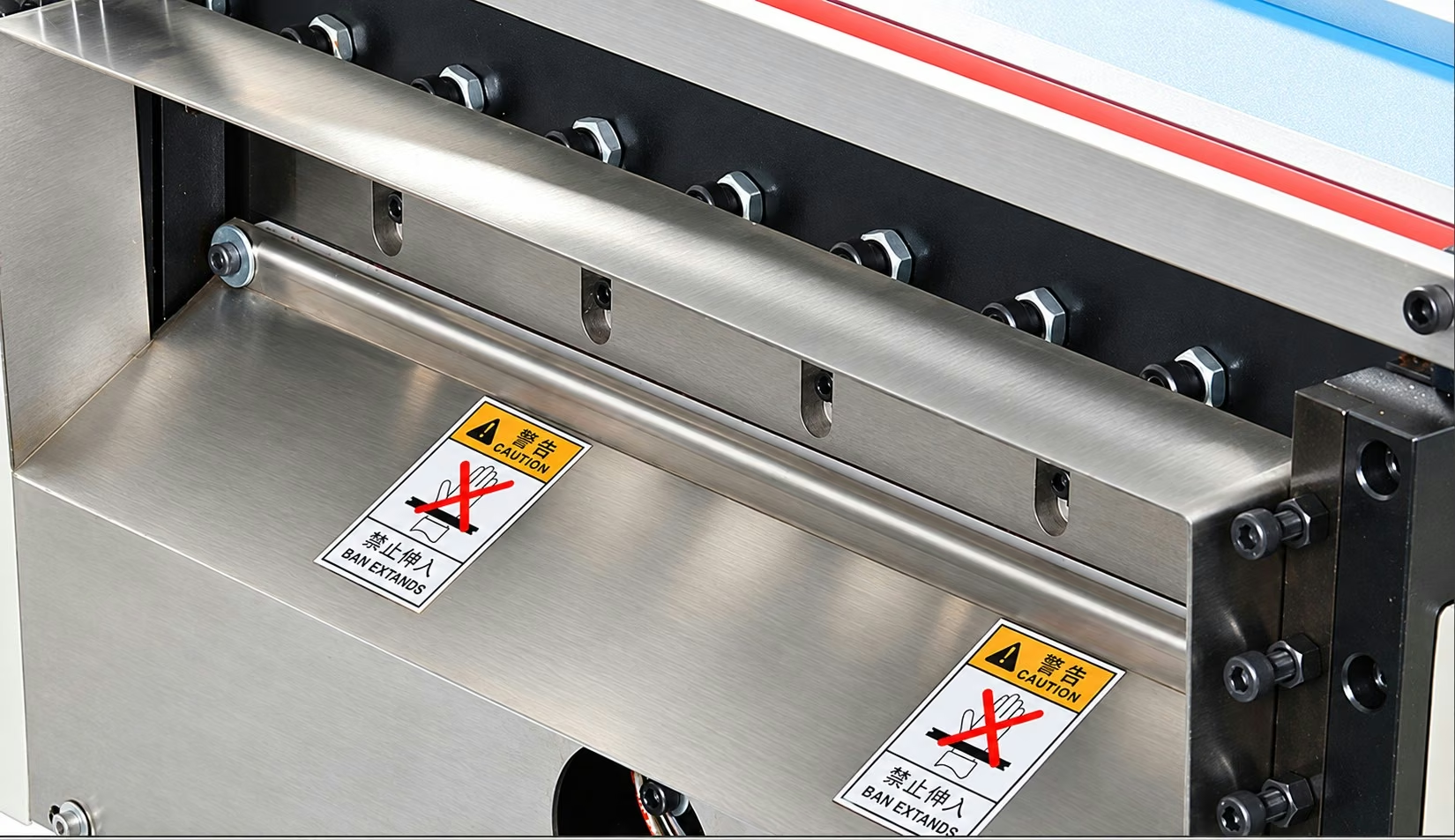
A vacuum heat-treated steel blade works with the feed system to cross-cut roll material to the selected length.
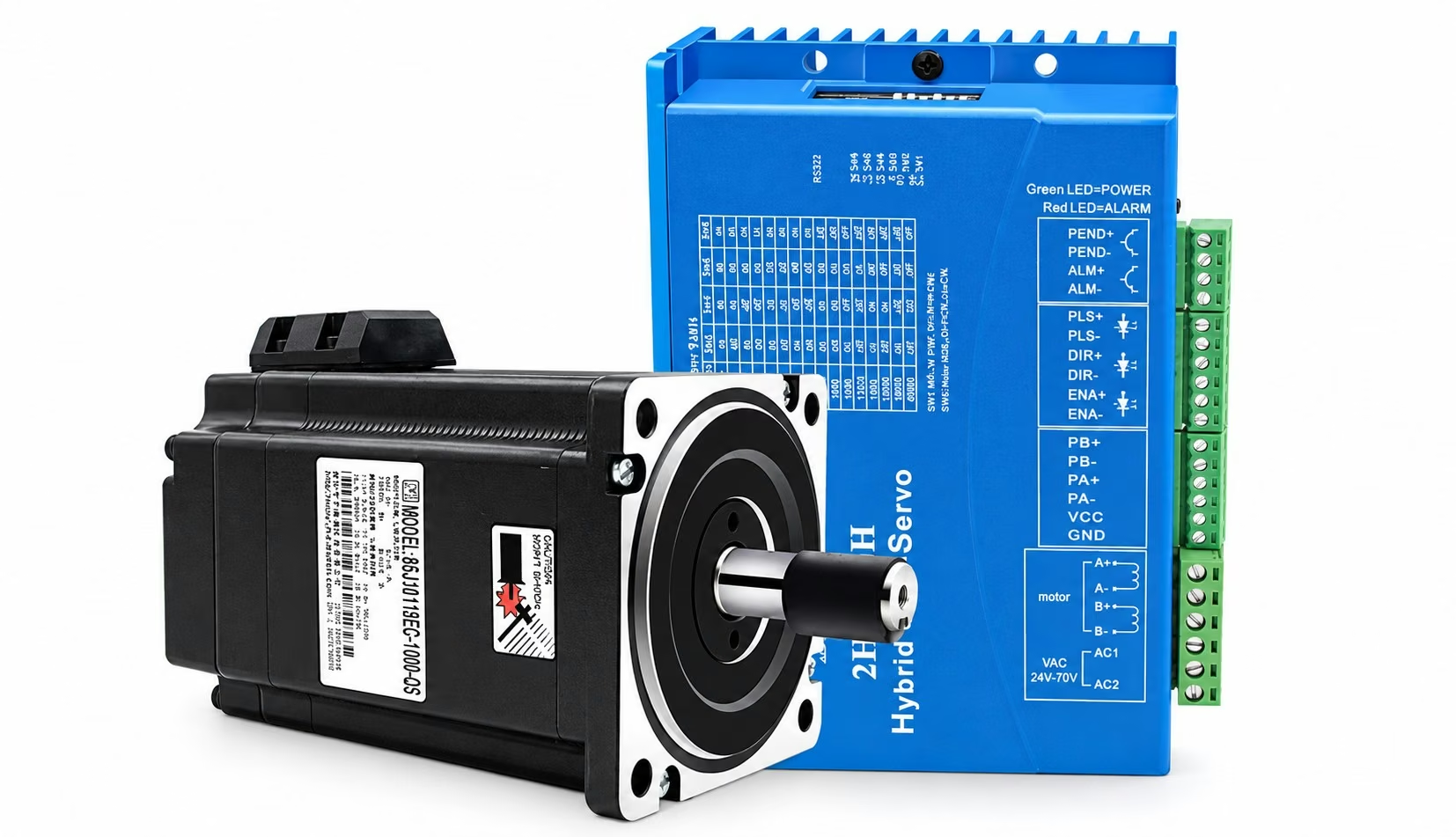
The motor-driven feed system advances material according to the programmed cut length for repeat cut-to-length cycles.
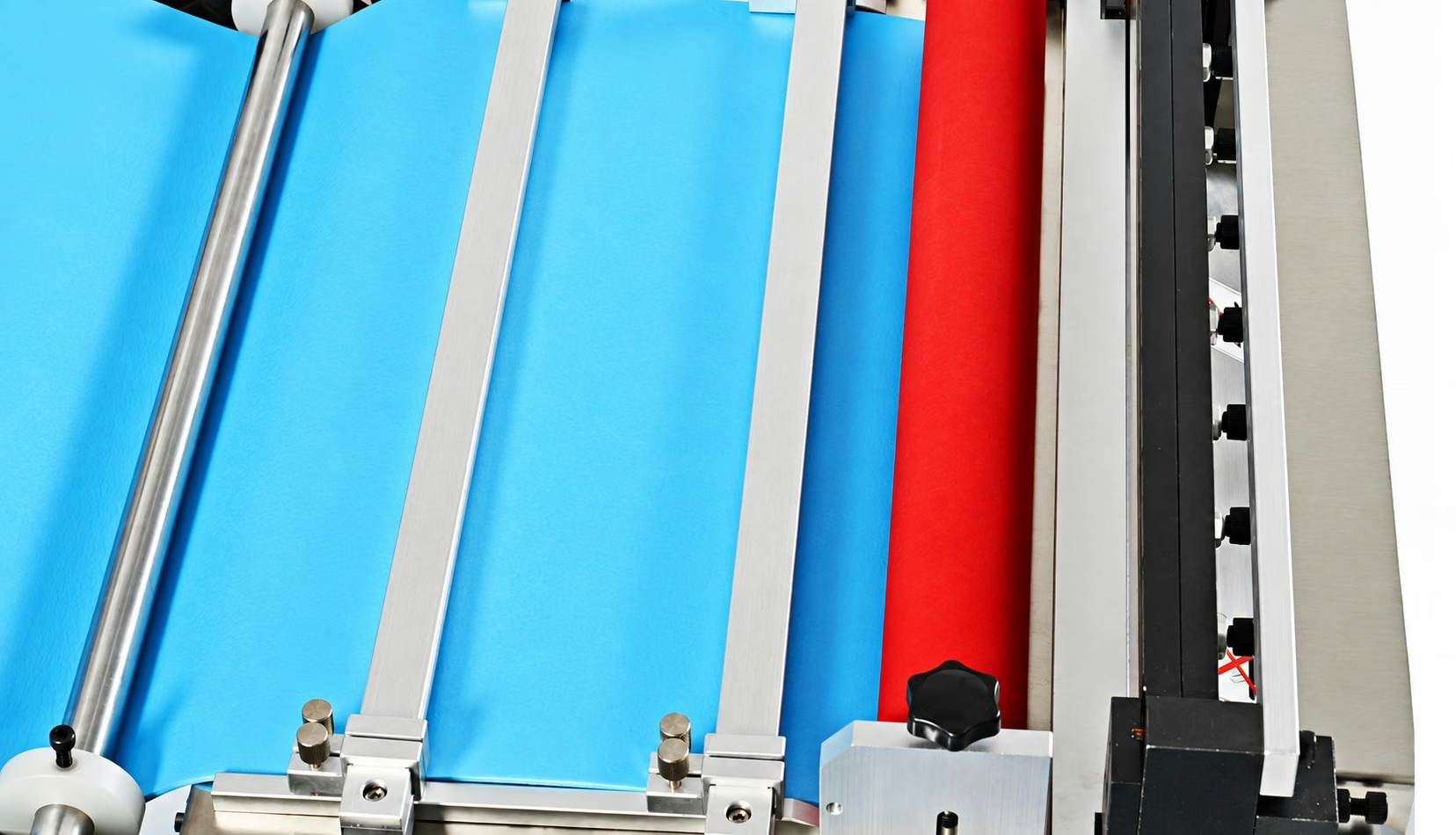
A polyurethane feed roller grips the material. Adjustment screws at both ends let the operator set the roller pressure.
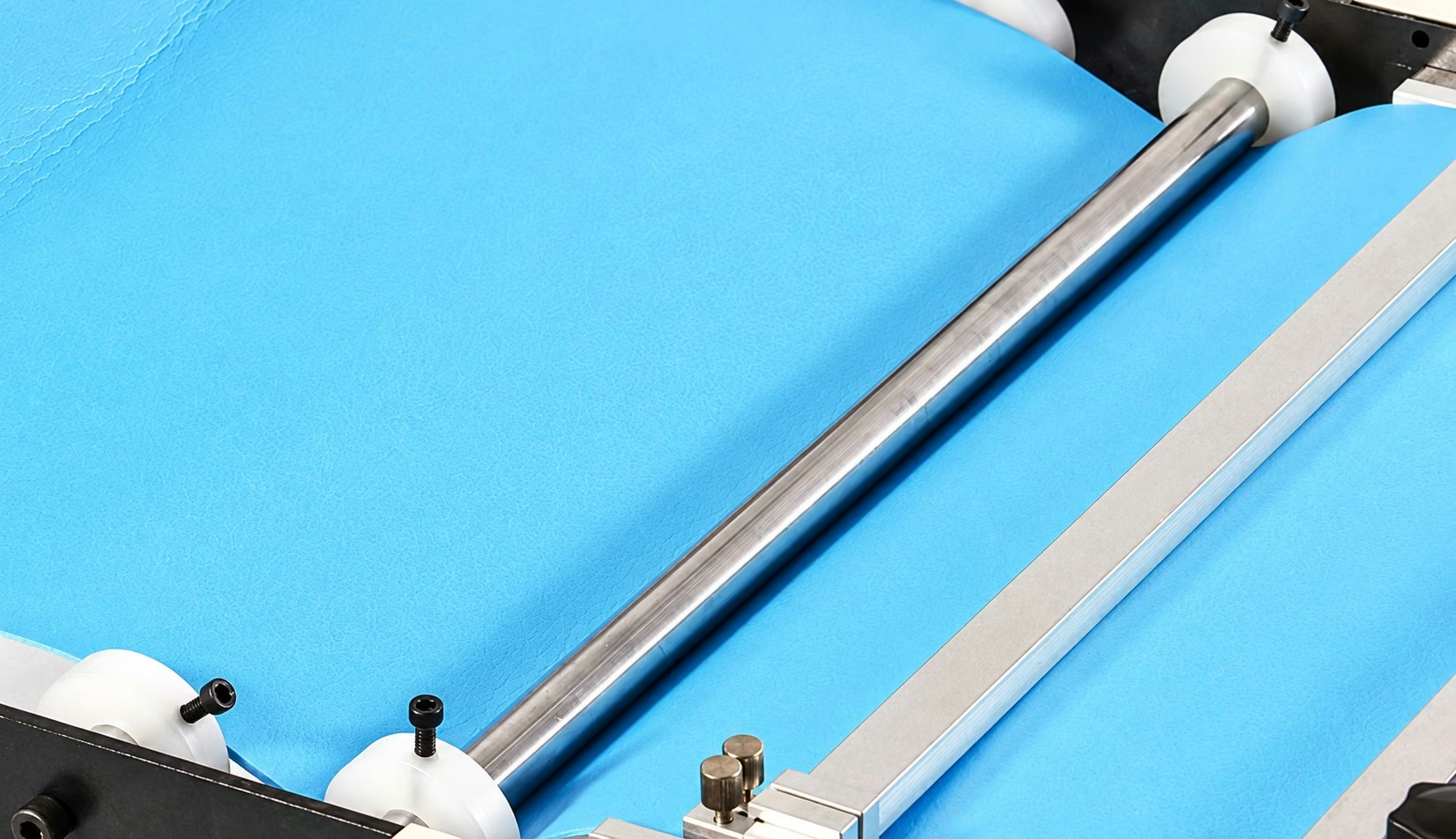
The tension guide and adjustable material guides help keep the material aligned as it enters the cutting section.
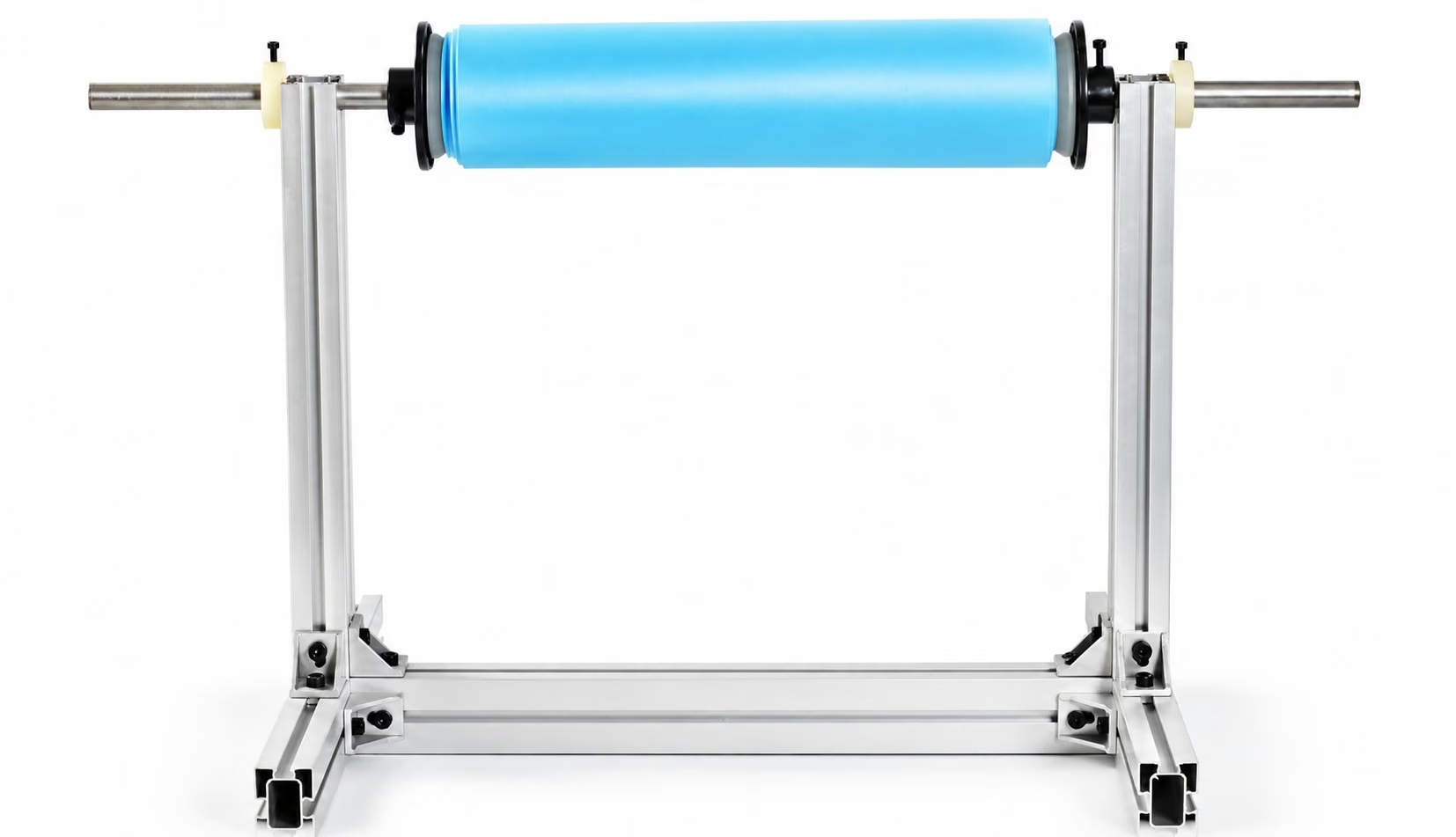
A separate floor-standing holder supports the material roll. Bearing supports allow the roll to turn as material is fed into the machine.
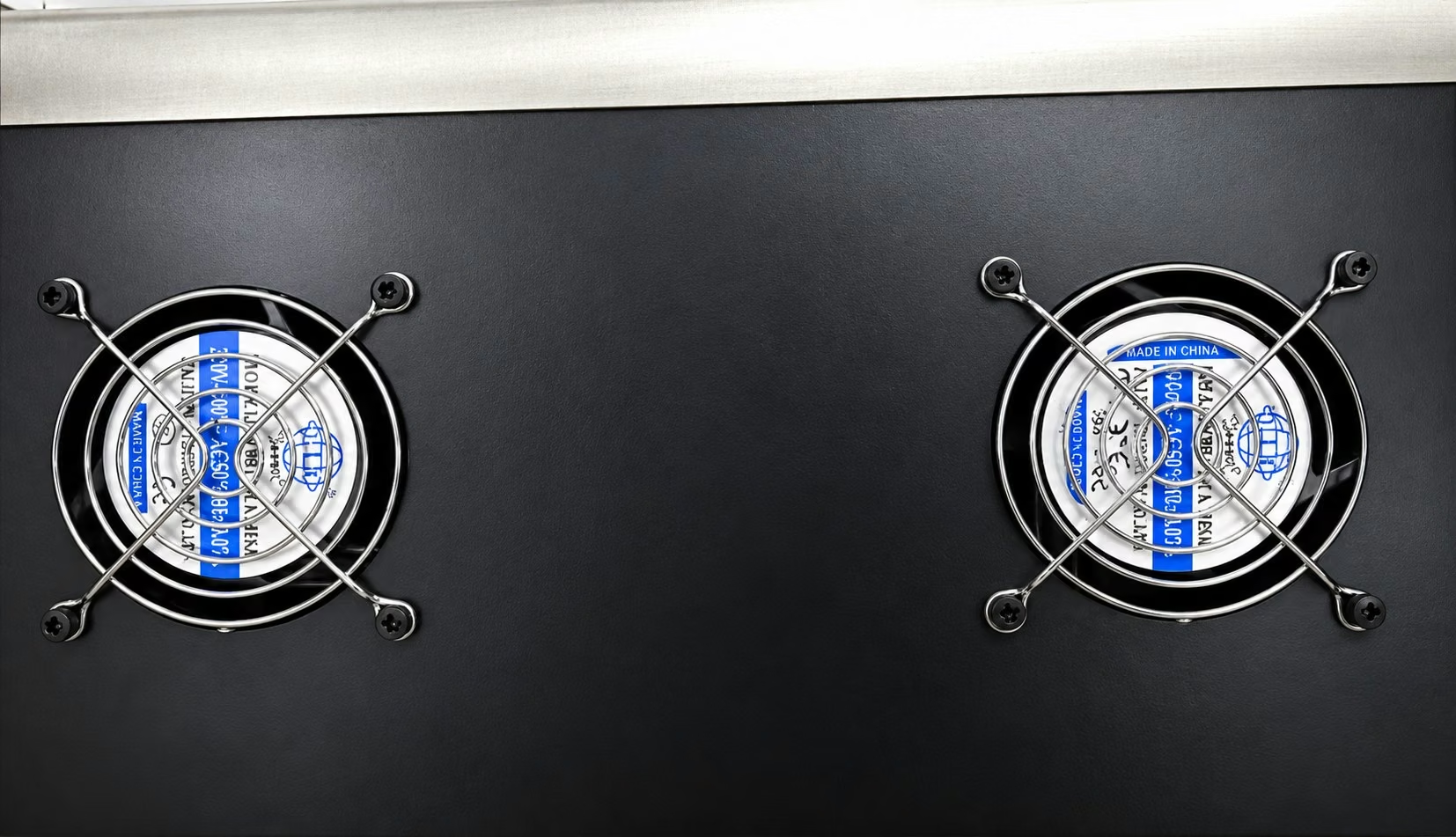
Cooling fans ventilate the machine cabinet to help dissipate heat during operation.
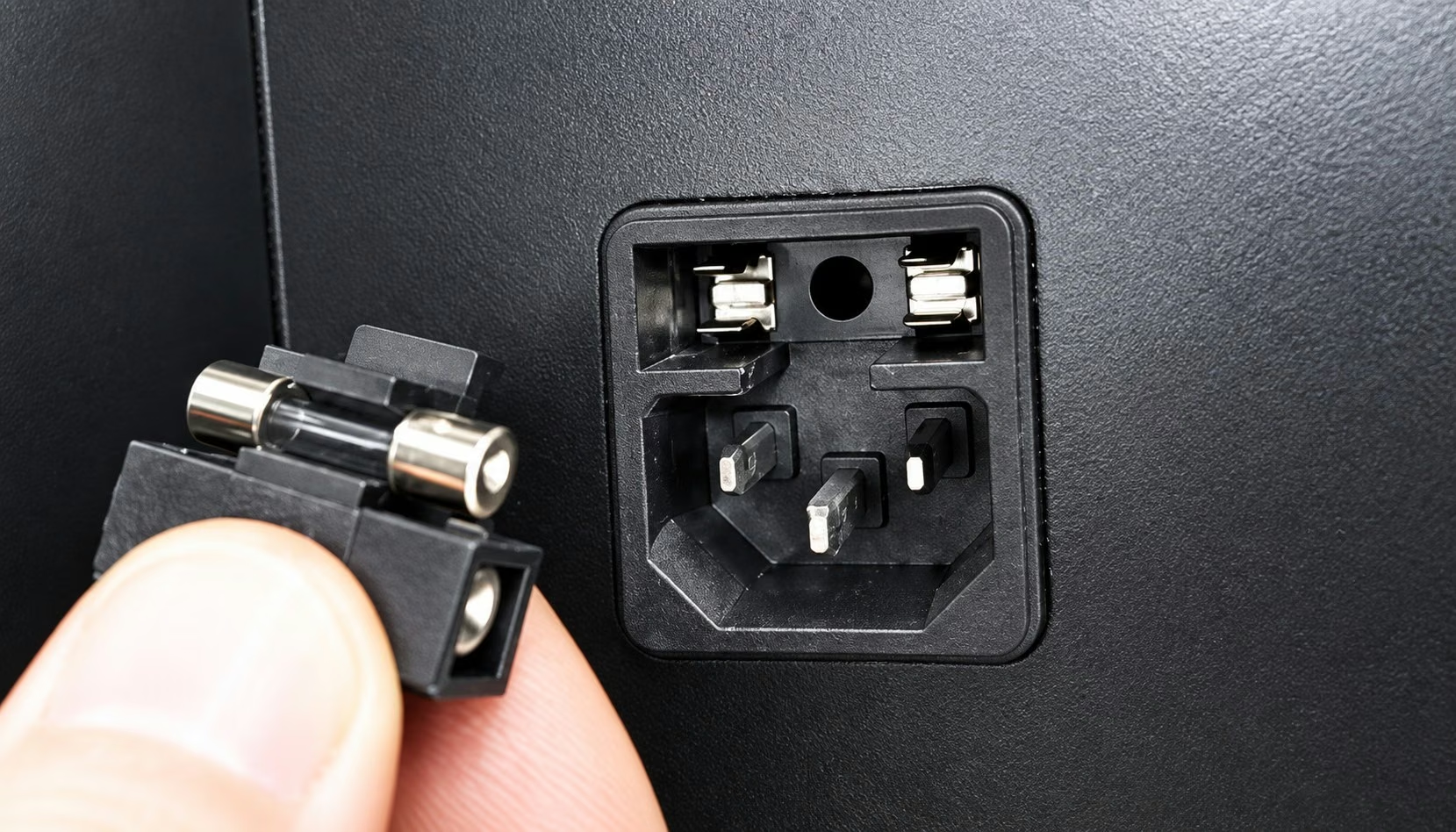
A three-pin power inlet provides a protective earth connection and an integrated fuse.
03 / CONFIGURATION
Set cut length, feed speed and quantity on the control panel, then adjust roller pressure and guide position for the material.
| Process | Automatic feeding and cut-to-length cross-cutting |
|---|---|
| Supply voltage | 220 V |
| Cut length | Adjustable |
| Controls | Chinese/English LCD display and numeric keypad |
| Programmable settings | Cut length, feed speed and quantity |
| Feed roller | Polyurethane roller with adjustable pressure |
| Material support | Separate floor-standing roll holder with bearings |
| Blade | Vacuum heat-treated steel blade |
| Cooling | Cooling fans |
| Power inlet | Grounded three-pin inlet with integrated fuse |
04 / MATERIALS
Confirm suitability for the material thickness, width, finished length and required edge finish.
Include a material sample, roll dimensions, cut dimensions and target output.
BLADE & TOOLING OPTIONS
These diagrams illustrate cut profiles. Blade or tooling selection depends on the material, thickness, dimensions and machine model. Confirm shaped cuts and punching configurations with a sample.












MATERIAL CHECK & ENQUIRY
Thickness range, minimum dimensions and working rate depend on the material.
Include material, thickness, stretch, web width, roll diameter and roll weight.
Specify feed width, minimum and typical cut lengths, and required tolerance.
Provide material photos, finished-part requirements and target output to confirm suitability and discuss a cutting trial.
Confirm lead time, packing, shipping, installation support and warranty terms with your enquiry.
sales@hespermachine.comPROCESSING & SELECTION
Share material photos, thickness, width and cut length. We can help you choose a machine; unknown details can be added later.
Trouble submitting? Use the basic form (no JavaScript needed)
HESPER / RECEIVED
Your requirements have been saved to the HESPER enquiry inbox. We will contact you at the email address you provided. There is no need to submit again.
Reference:
To add photos or drawings, use the email link below and keep the enquiry reference in the subject.
Email Photos or Drawings ↗This is an email draft, not a sent email. Review it and send it from your mail application.
If your email app does not open, copy the draft and send it to: sales@hespermachine.com