
Your new cutting machine has arrived. The material is ready, but your operator is not sure how to set it up or make the first cut.
Where should you start? Which video should you follow? And who should you contact if something is unclear?
HESPER provides after-sales service and machine installation and commissioning videos. For a custom-built machine, ask for the guidance that matches your model and the configuration supplied with your order.
Here is a simple way to move from an unfamiliar machine to your first checked sample.
1. Get the Right Instructions Before You Start
Begin by identifying your machine.
Have your order number, machine model and a clear photograph of the control panel ready. These details help the supplier identify the equipment and the instructions you need.
Ask HESPER for the installation and commissioning videos relevant to your machine.
Do not assume that a video of a similar-looking machine shows the same controls or setup. Custom-built machines can have different functions, settings and operating steps.
If your team needs instructions in English or another language, explain that requirement and confirm what is available.
2. Watch the Installation Video Before Connecting the Machine
Machine installation means putting the equipment in place and preparing it for use.
Watch the relevant video before starting. Compare it with the instructions supplied for your machine, and make a note of anything you do not understand.
Depending on the configuration, you may need to confirm:
- Where the machine should be placed.
- The required power supply.
- Whether a compressed-air connection is needed.
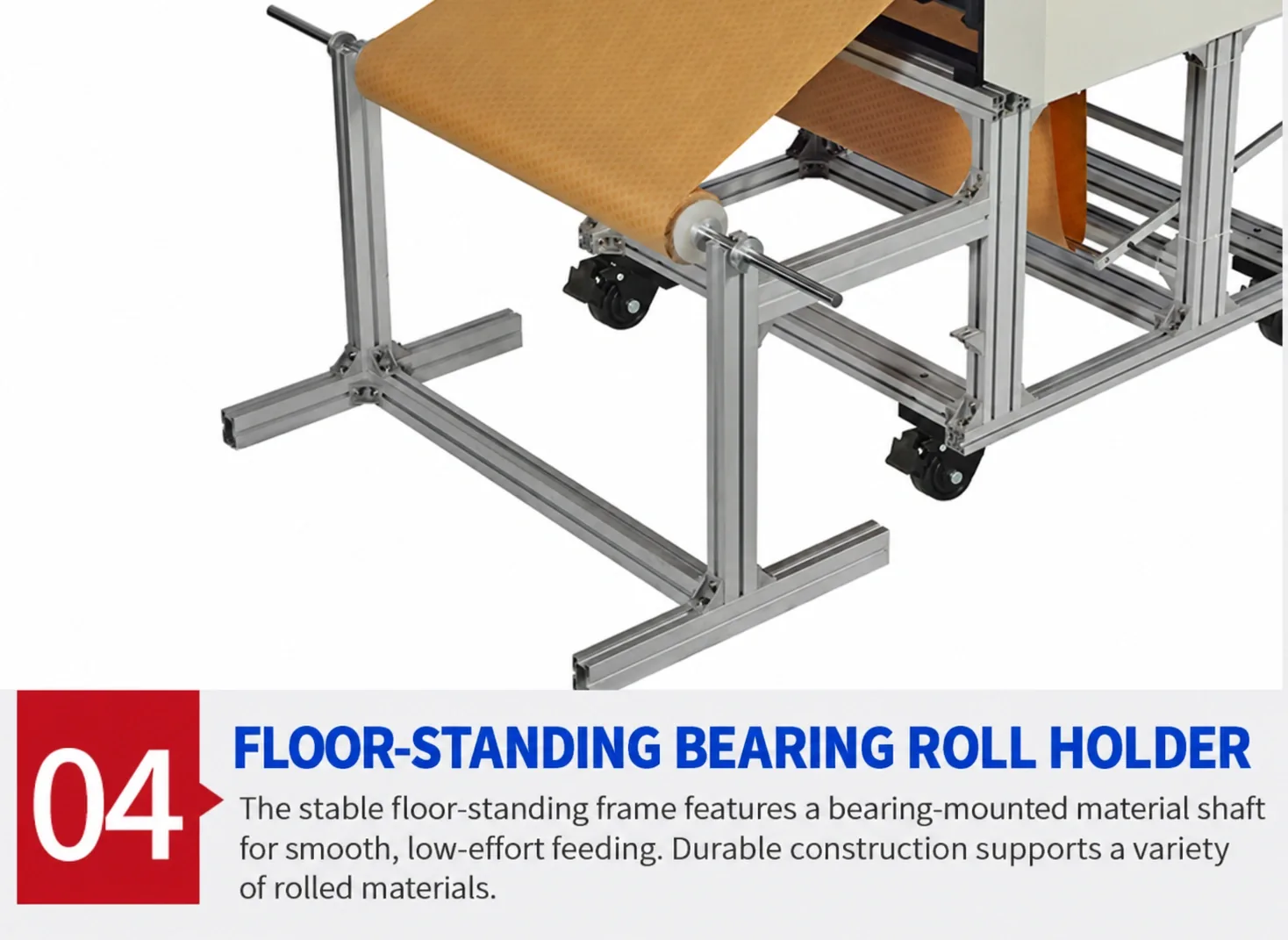
- How the material should be loaded.
- Which checks are required before starting.
If a connection or installation step is unclear, stop and ask. Have electrical connections completed by a qualified person where required.
A video helps explain the process, but the requirements for your actual machine should guide the installation.
3. Learn One Normal Operating Cycle
You do not need to understand every setting on the first day.
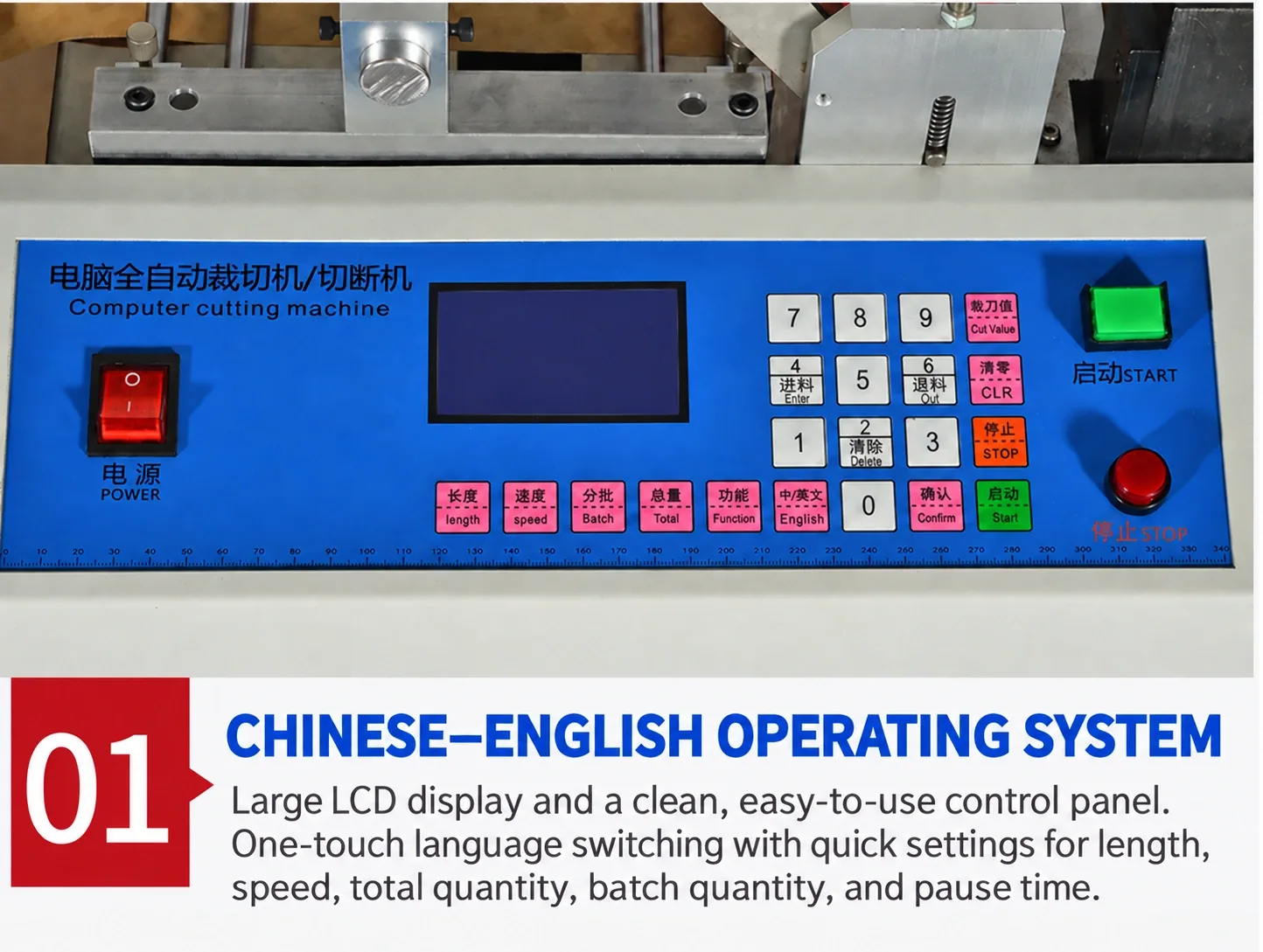
For basic machine operation, begin with the steps your operator will use for a normal job. Ask the supplier to explain these using the controls on your machine.
For a cutting machine, the questions might be:
- Where do I enter the cutting length?
- How do I set the quantity?
- How do I load the material correctly?
- How do I start and stop a normal job?
- Where can I see the finished count?
- What should I do if a warning appears?
Use these questions as a simple operator training checklist. Confirm which controls apply to your configuration rather than assuming that every machine works in the same way.
4. Check a Small Sample Before Starting a Full Batch
Machine commissioning means checking and adjusting the installed machine so it is ready for its intended job.
Once the installation checks are complete, follow the supplied instructions to make a small trial batch using settings confirmed for your material.
Check the result against your requirements:
- Is the cut length correct?
- Is the cut shape correct?
- Is the edge quality acceptable?
- Does the material feed as expected?
- Are several finished pieces consistent?
If a result is wrong, keep a sample and record the settings used. Ask for guidance before changing unfamiliar parameters.
A small trial gives you something clear to check before committing a full roll of material.
5. If You Get Stuck, Show the Exact Problem
A message saying “the machine does not work” gives the support team very little to investigate.
For machine troubleshooting, explain where the process stops and what you can see.
Useful information includes:
- Machine model and order number.
- A clear photograph of the screen.
- The exact warning or error message.
- The material being processed.
- The settings used.
- A photograph of the finished sample, if the problem concerns cutting quality.
A short video can also help show a feeding or operating issue, provided it can be recorded safely.
If the machine behaves unexpectedly, stop according to its instructions and contact the supplier. Do not remove guards or reach into moving parts to record the problem.
6. Confirm How to Contact After-Sales Support
HESPER provides after-sales service. Before delivery, ask how to contact the support team and what information to include when requesting help.
Also confirm which installation and commissioning videos are available for your order.
If you need additional help, such as a live demonstration or on-site assistance, ask whether it can be arranged and confirm the scope and any charges. Do not assume that every type of support is included.
Keep the relevant videos, instructions and support contact details together so your operators can find them easily.
A Simple Message You Can Send to HESPER
Our machine has arrived, and our operator needs help getting started.
Order number: [insert]
Machine model: [insert]
Material: [insert]
Required cut length or shape: [insert]
The step we need help with: [installation / loading material / settings / trial cutting / warning message]
Preferred instruction language: [insert]Please send the installation and commissioning videos for our machine and explain the next step. We have attached photographs of the machine, control panel and any warning message.
You do not have to work out every step by guessing. Start with the guidance for your actual machine, check a small sample, and contact HESPER if anything is unclear. The aim is to help your team understand the process before starting a full production batch.