
The machine may do the job you need. But can your operators read the screen, change a setting and understand a warning without guessing?
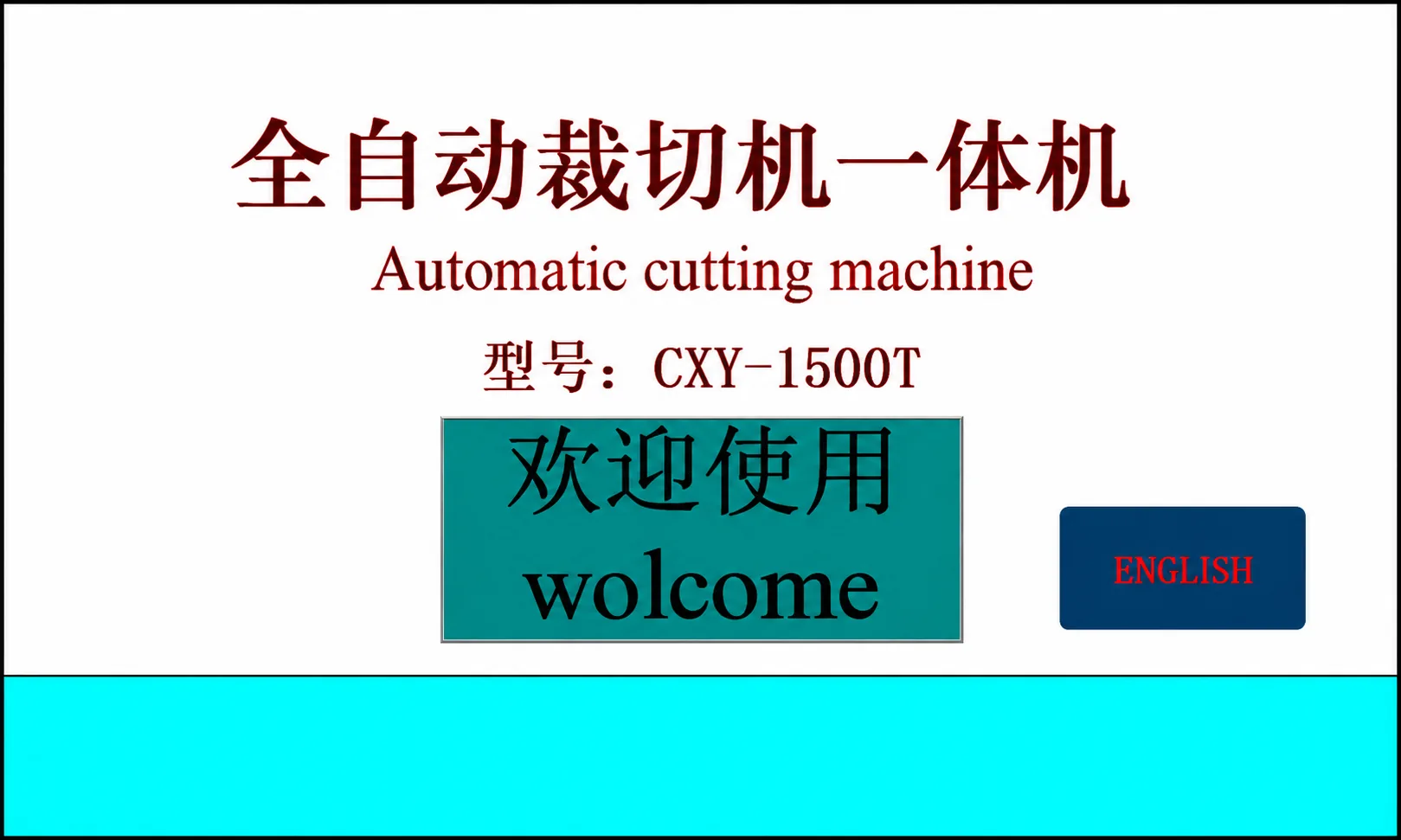
If your team works in English, the interface language should be part of your order requirements.
HESPER builds machines to customer requirements, and the operator interface is configurable. If you need English, tell us before ordering and confirm the agreed language option in your machine specification.
Here is what to check so your team knows what to expect when the machine arrives.
1. Ask Whether English Is Included in Your Quotation
Do not assume that the screen shown in a product video is the screen you will receive.
For a custom-built machine, the interface supplied should match the configuration agreed for your order.
Ask a direct question:
“Our operators use English. Does this quotation include an English operating interface?”
Also ask whether the proposed interface is English-only or allows switching between languages. If you need another language, name it and ask whether it is available for your machine.
Confirm any additional cost or delivery-time change before placing the order.
2. Understand What the “Interface” Includes
The machine control panel is where the operator uses the machine’s controls. Depending on the design, it may include buttons, a display or a touchscreen.
The operator interface is the part your team uses to view information and enter instructions.
You may also see the term HMI display. HMI means “human-machine interface.” In simple terms, it is a screen used to communicate with the machine.
If you have searched “what is HMI display,” this is the practical point: ask what the proposed screen lets your operator see and do.
Some equipment uses touch screen HMI displays; other equipment uses buttons and a different type of display. Confirm the arrangement for your order rather than assuming that every machine includes a touchscreen.
3. Check More Than the Home Screen
One English menu does not show whether all the screens your team needs are in English.
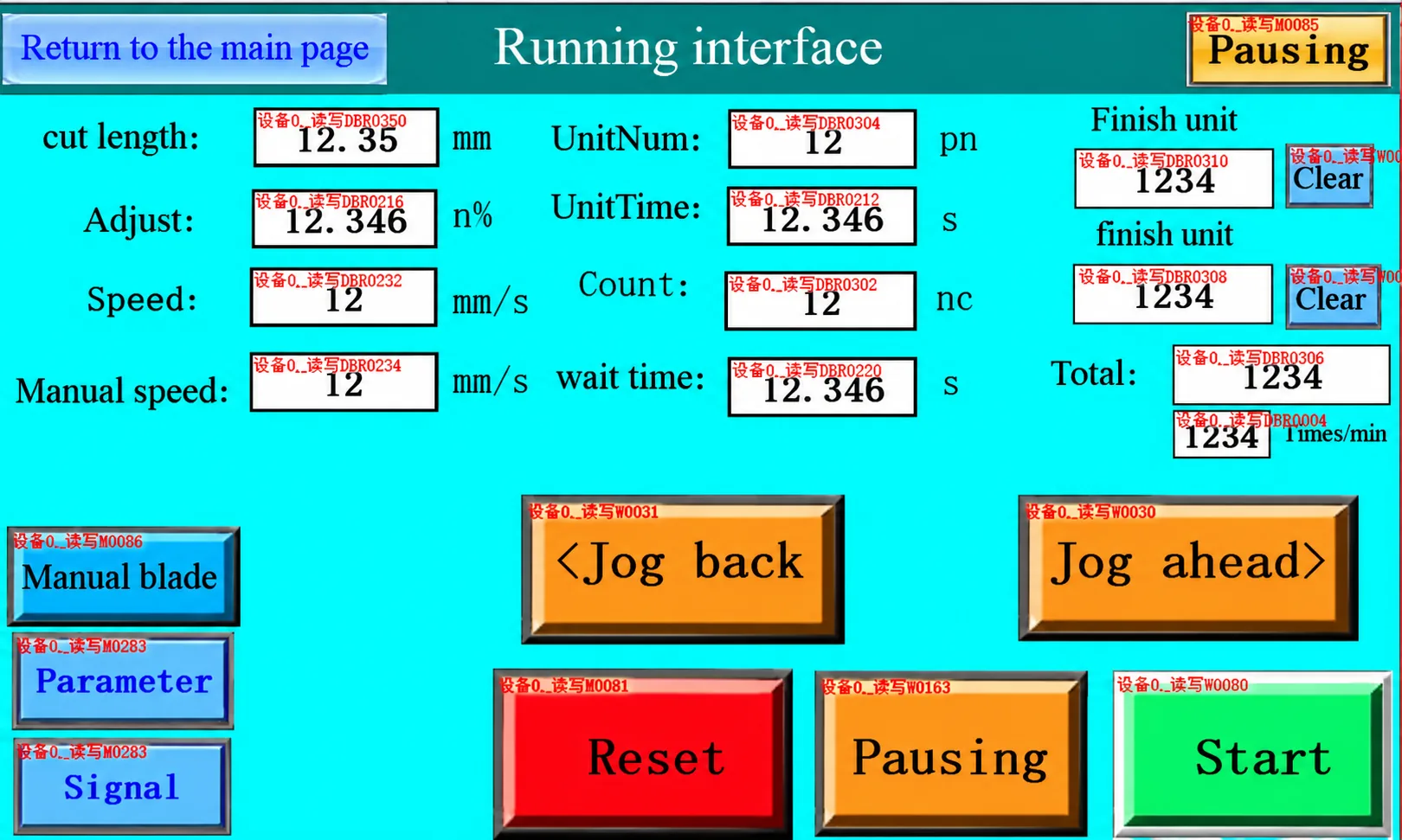
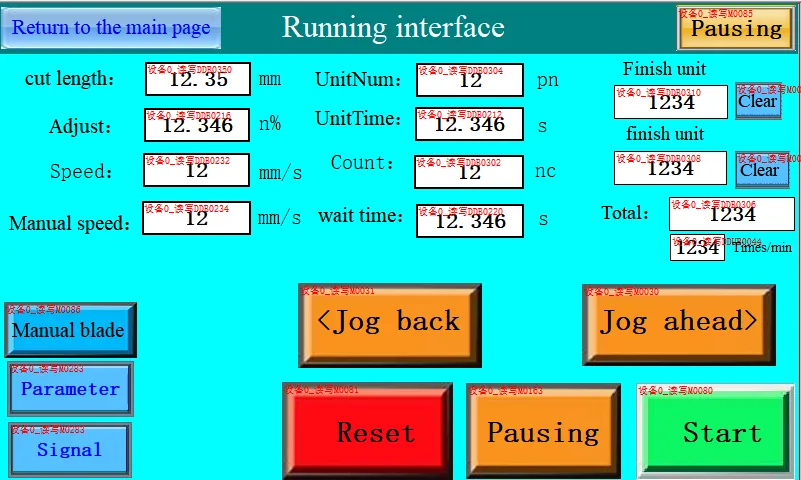
Ask to see the pages used for everyday work. Depending on the machine, these may include:
- Entering the required cutting length.
- Setting the quantity.
- Changing available operating settings.
- Reading the production count.
- Understanding warning and alarm messages.
For example, if the machine stops, can the operator understand the message on the screen?
Ask which messages are included in the agreed language option. If some functions show codes instead of written explanations, ask how your team will look up those codes.
4. Ask for a Short Demonstration
A clear video can answer questions that a product photograph cannot.
Ask the supplier to demonstrate a normal task using the proposed interface language. For a cutting machine, this might include entering a length, setting a quantity and showing where the operator reads the finished count.
If language switching is part of your order, ask to see how it works.
The demonstration should also make the units clear. Your team should know whether a length value is entered in millimetres, inches or another supported unit.
You do not need to understand the machine’s programming. You need to see whether your operator can follow the everyday steps.
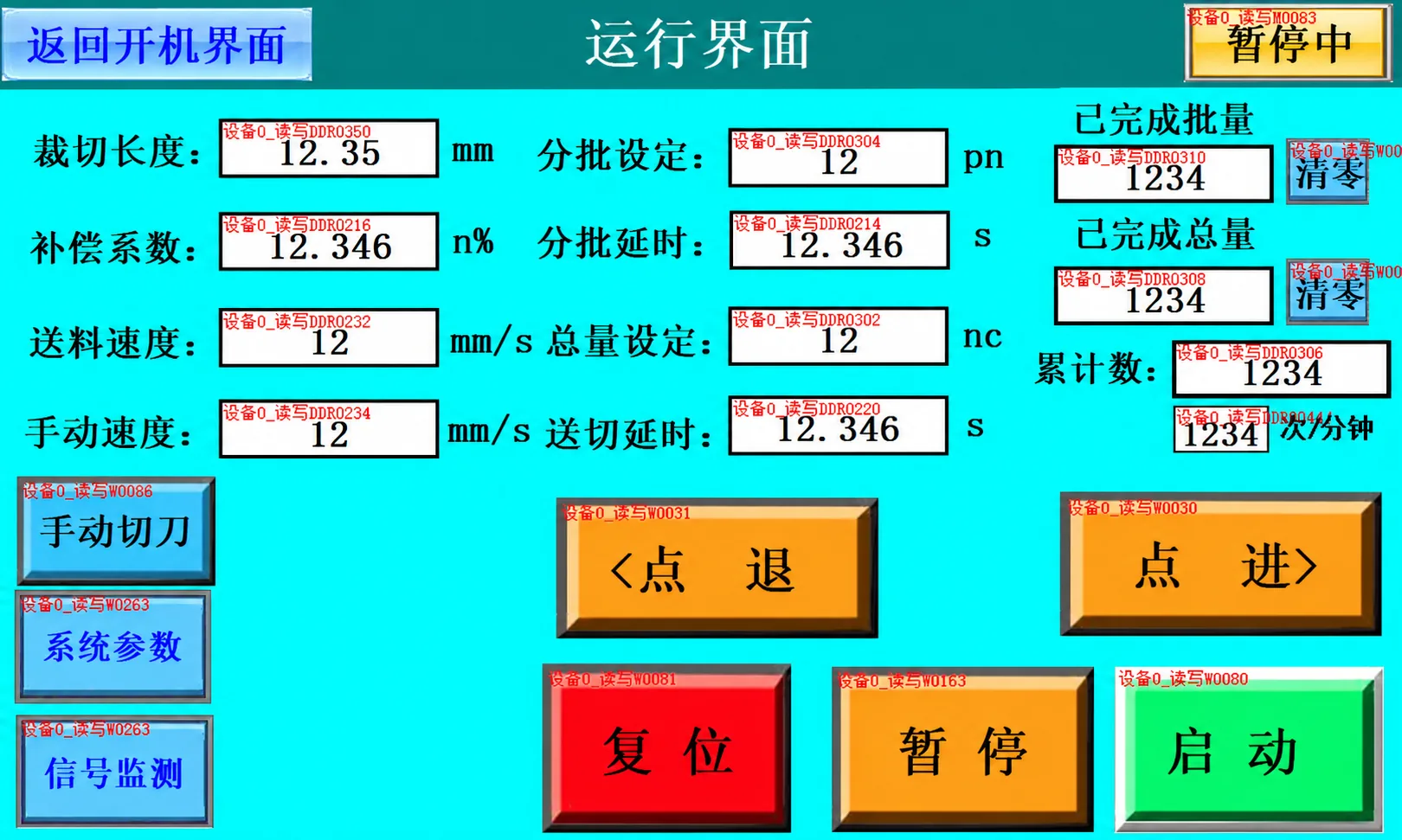
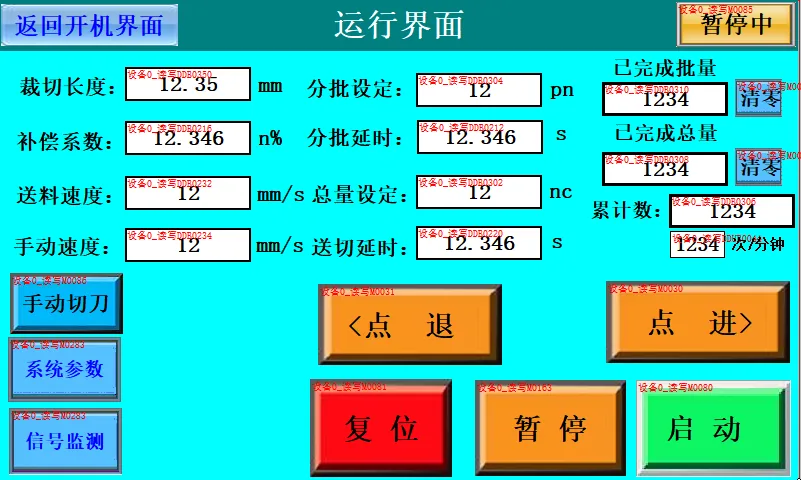
5. Confirm Labels and Instructions Separately
An English screen does not automatically mean that every physical label or document is also in English.
Ask separately about:
- Labels beside buttons and switches.
- Operating instructions.
- Alarm-code explanations.
- Setup and training materials.
- Any separate controllers with their own displays.
For example, if the proposed machine has a separate temperature controller, ask how its buttons and displayed information will be explained to your team.
List what you need before ordering so the supplier can confirm what is included.
6. Put the Language Requirement in Writing
Do not leave the language choice only in a chat message.
Ask for it to be included in the quotation or agreed machine specification. A clear requirement might read:
“English operating interface required. Please confirm the included operating screens, warning messages, control labels and instruction documents.”
If you need two languages, name both and confirm whether switching between them is included.
If you already own a machine and want to change its interface language, send the model, machine identification and clear panel photographs first. Do not assume that changing an existing machine is the same as selecting an option for a new order.
7. Check the Agreed Interface Before Shipment
Before shipment, request photographs or a video of the interface prepared for your machine.
Compare it with the agreed requirements. Check that the language is correct, the text is readable and the everyday settings are easy to identify.
If wording is unclear, raise it before shipment. A term that makes sense to the machine builder may still confuse a new operator.
Keep the approved screenshots or video with your order documents. They provide a useful reference when your team receives the equipment.
What Should You Tell HESPER?
You can start with this simple enquiry:
We are interested in a custom-built cutting machine. Our operators use English, so we need an interface they can understand.
Required language: English
Additional language, if needed: [insert]
Operator experience: [new operators / experienced operators]
Preferred controls, if any: [buttons / touchscreen / please recommend]
Documents and labels required in English: [insert]Please confirm the available interface option, what is included in the quotation and whether it affects price or delivery time. Please also provide screenshots or a short demonstration before we approve the final configuration.
Tell HESPER which language your team needs before ordering. Then confirm the actual screens, messages and instructions included with your custom-built machine—so your operators can use the controls without guessing.