
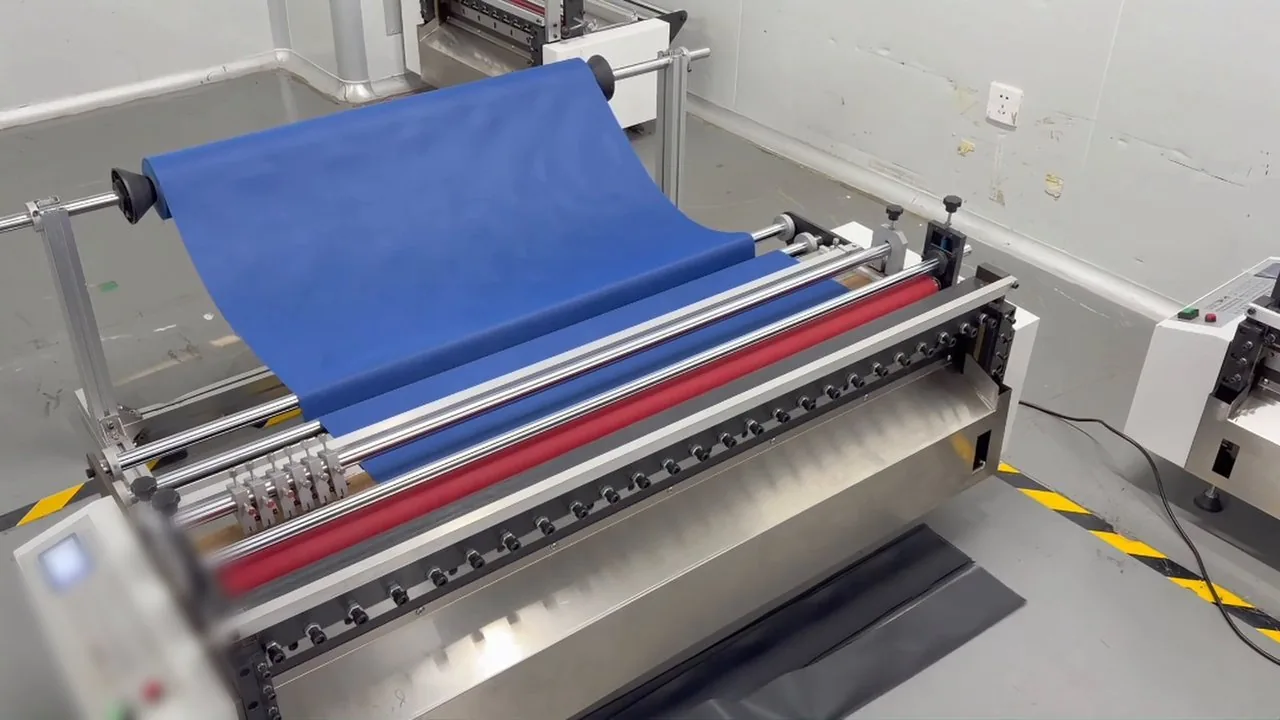
Cutting demonstration video
▶View product: Tabletop Automatic Roll to Sheet Cutting Machine
If you make bag straps, belts, handles or trims, you probably buy faux leather on a roll and cut it into strips yourself. A ruler and knife or a hand-held leather strap cutter can suit small jobs. As quantities grow, repeated measuring, marking, cutting and counting take more time, while strip widths and edges need repeated checks.
A leather strip cutter can take over repetitive feeding, cross-cutting and counting. Load a compatible roll, set the cut length and batch quantity, then check the first piece before continuing. The faux leather roll demonstration shows the process and where to check the results.
Why cutting faux leather strips by hand slows you down
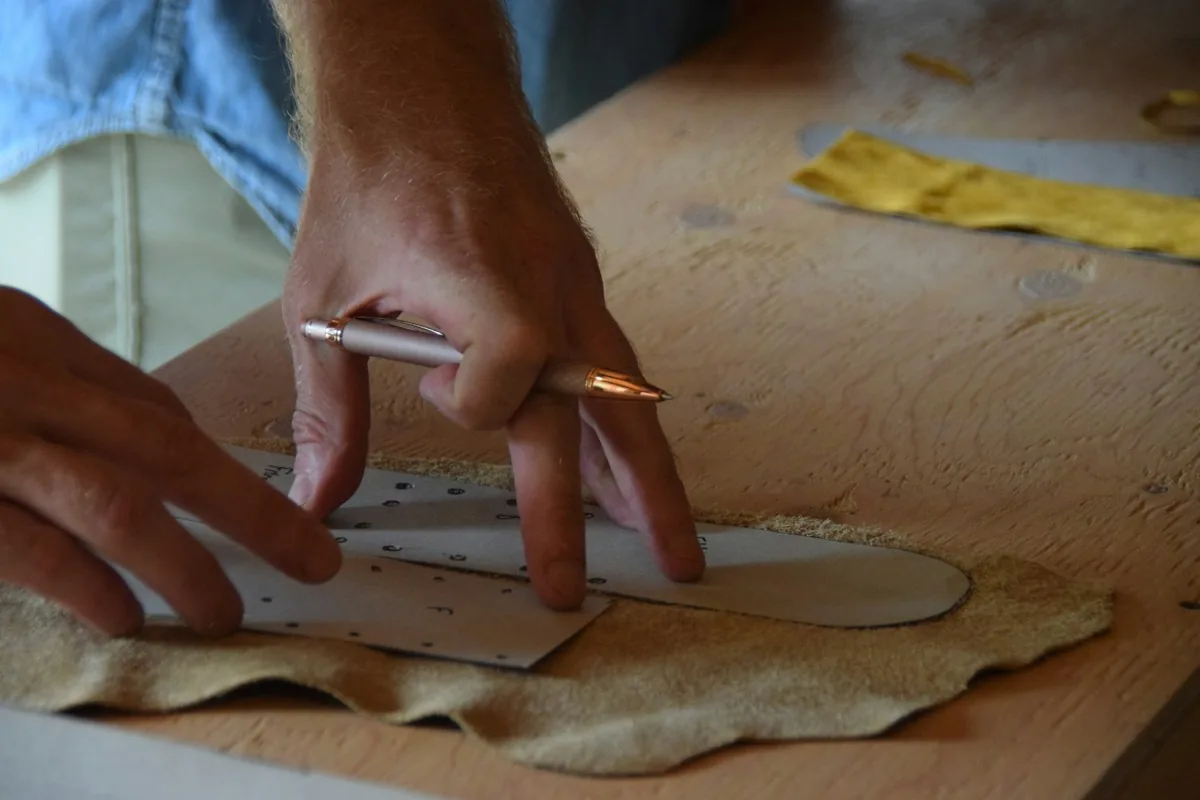
Learning how to cut leather by measuring, marking and cutting by hand can work well for samples. Repeated batch work brings three points to consider:
- It is slow. Every strip is measured, marked and cut again.
- Widths drift. Repeated marking and hand cutting can introduce width differences that need checking.
- Counting takes time. Someone has to count every batch before it goes to sewing.
How to cut leather strips from a roll with a leather cutting machine
In the demo, a blue-backed faux leather roll is cut into strips in four simple steps:
- Load the roll. Put the faux leather roll on the roll stand and lead it into the feed rollers.
- Set the size. On the control panel, set the cut length to 100 mm.
- Set the batch. Set the quantity required for the batch.
- Reset and start. The machine feeds and cuts automatically and stops at the preset quantity.
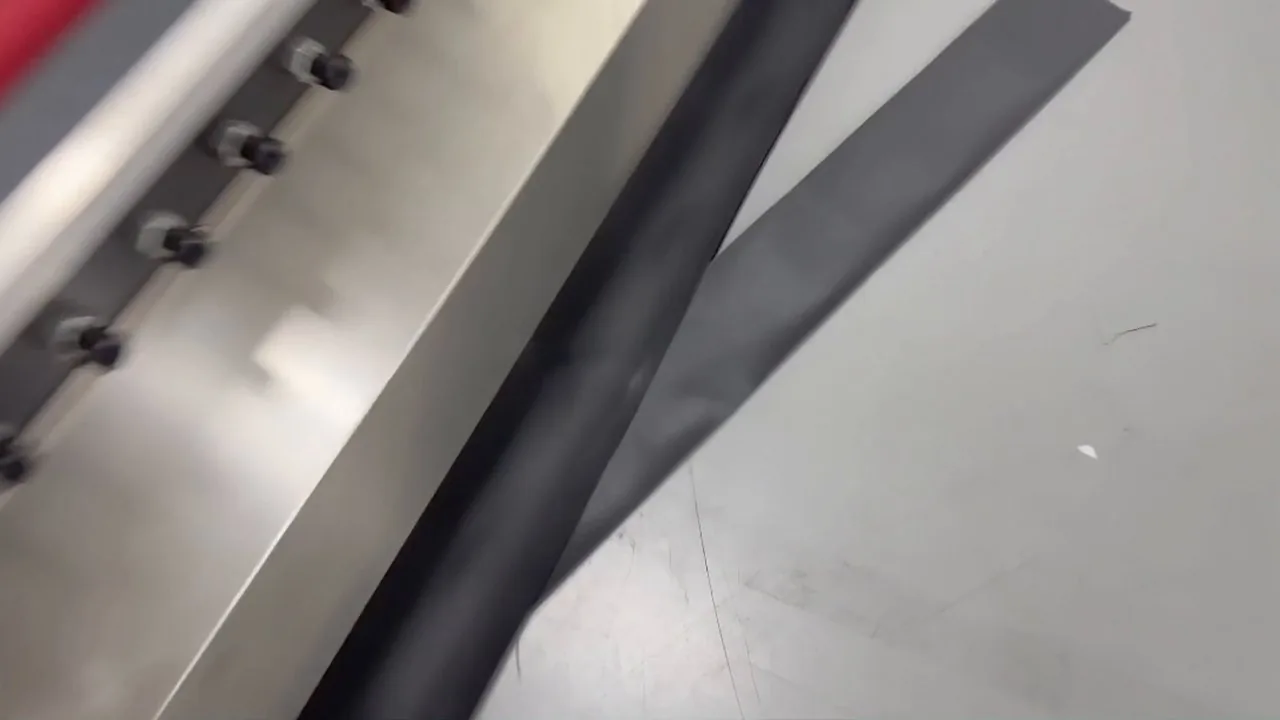
The blade cross-cuts the roll: the feed step corresponds to strip width, while the incoming roll width corresponds to strip length. The 100 mm shown is a cut-length setting, not a measured finished dimension. To change the cross-cut strip width, adjust the cut length within the applicable range and measure the first piece. Changing the other dimension requires a different incoming width or a slitting arrangement. Cut length and operating speed are adjustable; check dimensions and edges again after changing material or increasing speed.
After cutting: check the strips before sewing
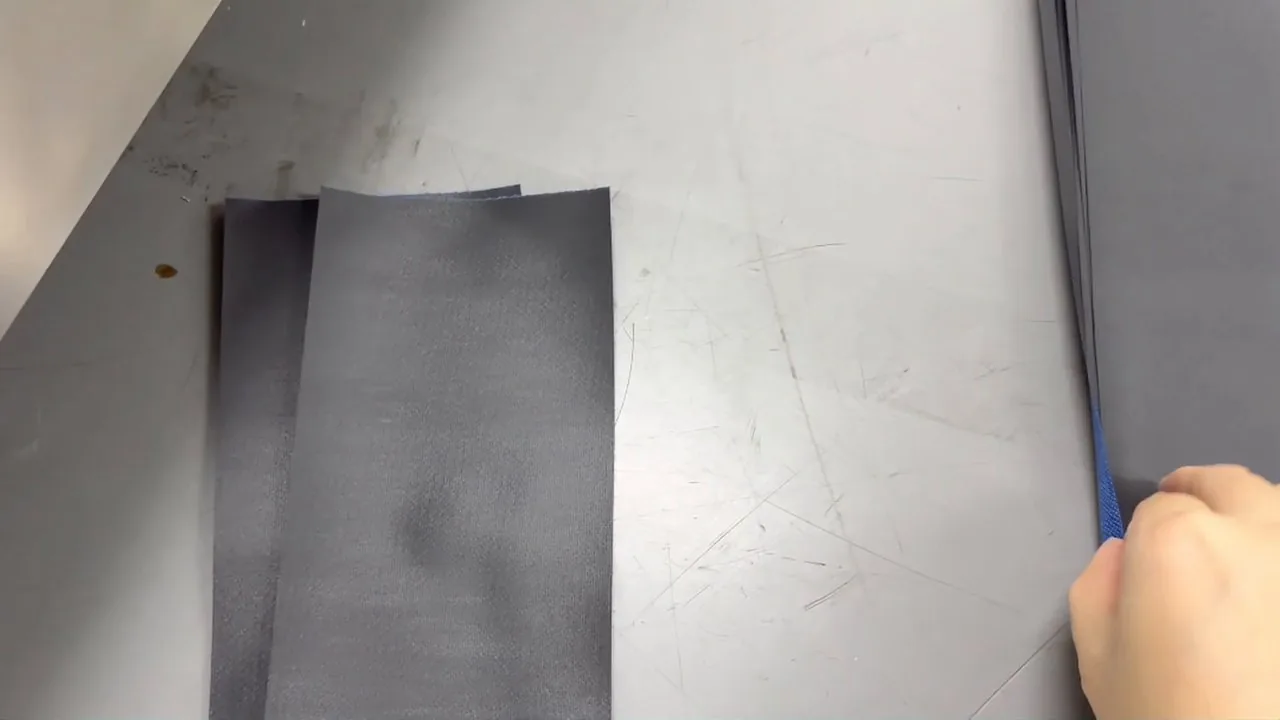
The demonstration shows the cut strips and their edges. A shared setting reduces repeated measuring, but check the actual strips against the sewing dimensions. Lay the first piece flat and measure its width at both ends; inspect the face, backing and edges for marks. Sample the middle and end of the batch as well. Recount the first batch and separate rejected strips before passing the lot to the next operation.
How to check whether your faux leather roll is suitable
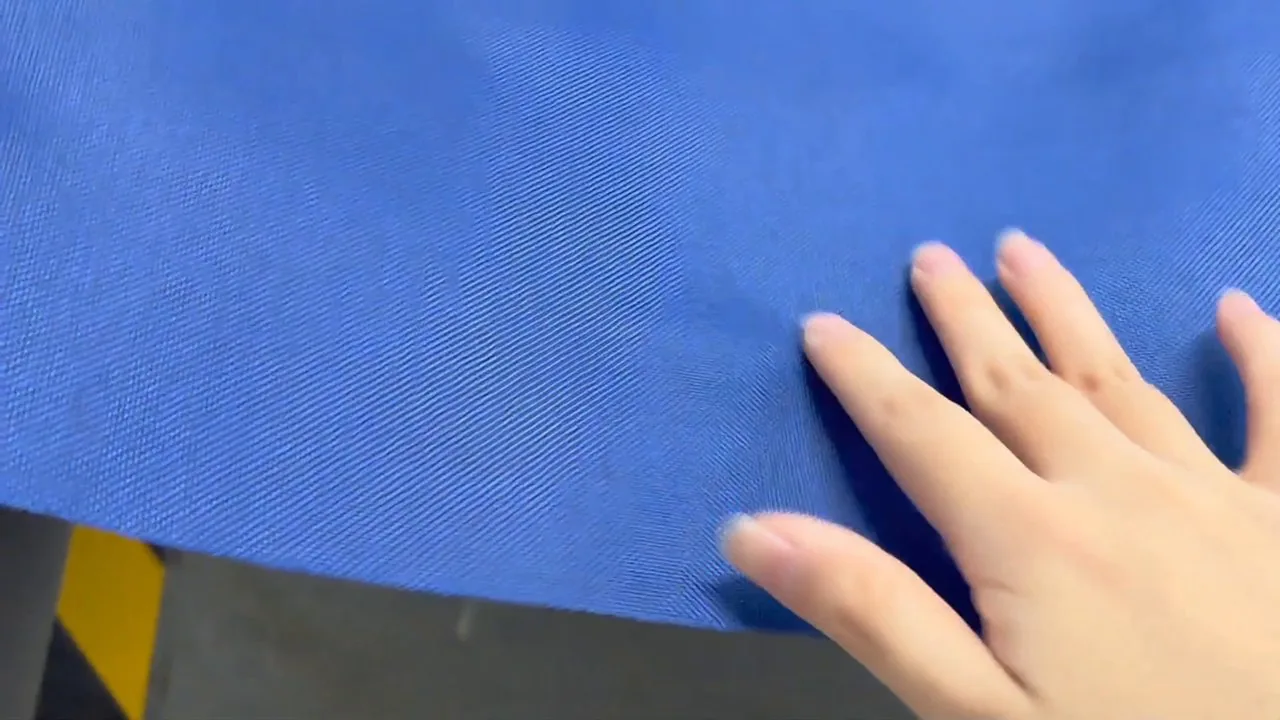
The HESPER tabletop roll cutting machine lists leather and synthetic leather among its materials. Synthetic leather is sold under many names, so you may know your roll as one of these:
- Faux leather roll, often with a fabric backing like the one in the demo
- Leatherette, a common name for synthetic leather used on seats, furniture and cases
- Rexine, another name encountered in the synthetic leather market
If you are unsure about your roll, send HESPER its thickness, backing, surface details and target strip width so feeding and edge results can be checked before choosing a batch-processing setup.
What faux leather strips are used for
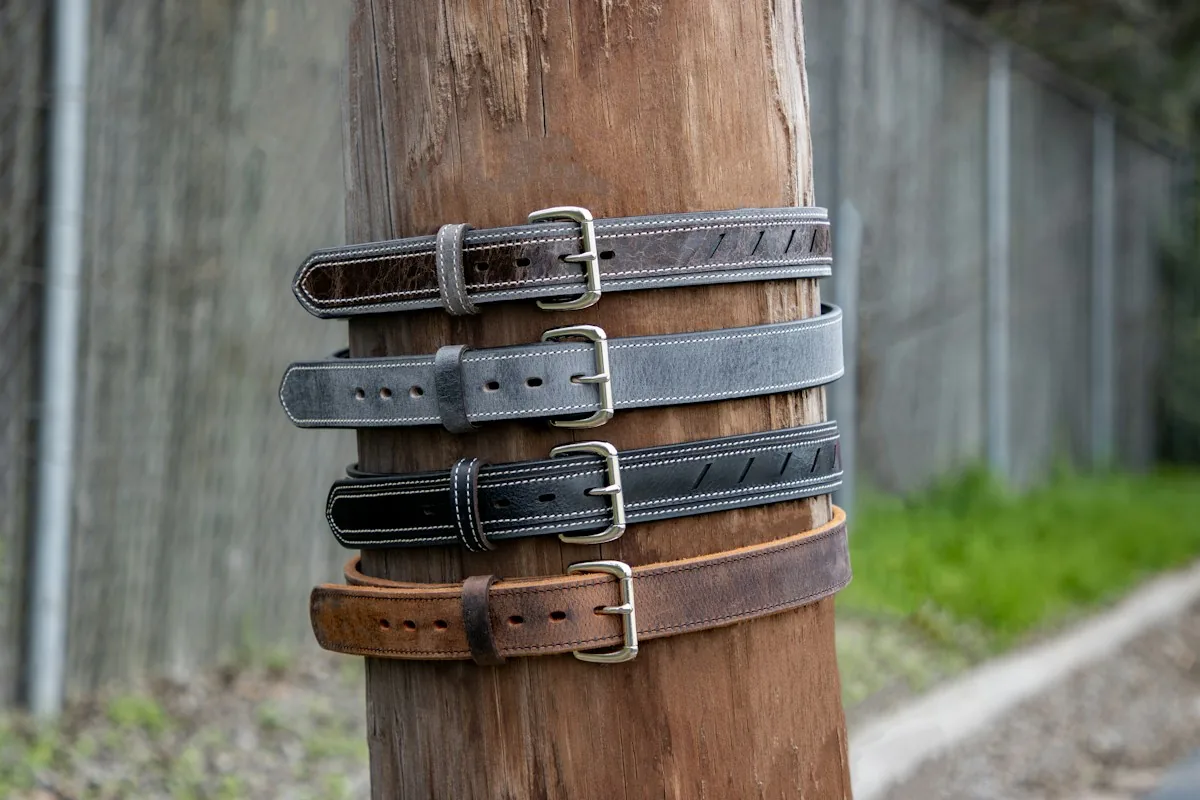
Leather strips are the starting point for a lot of finished goods: bag straps and handles, belt and strap blanks, key fobs and pull tabs, piping and edge binding, and trims for seats and furniture.
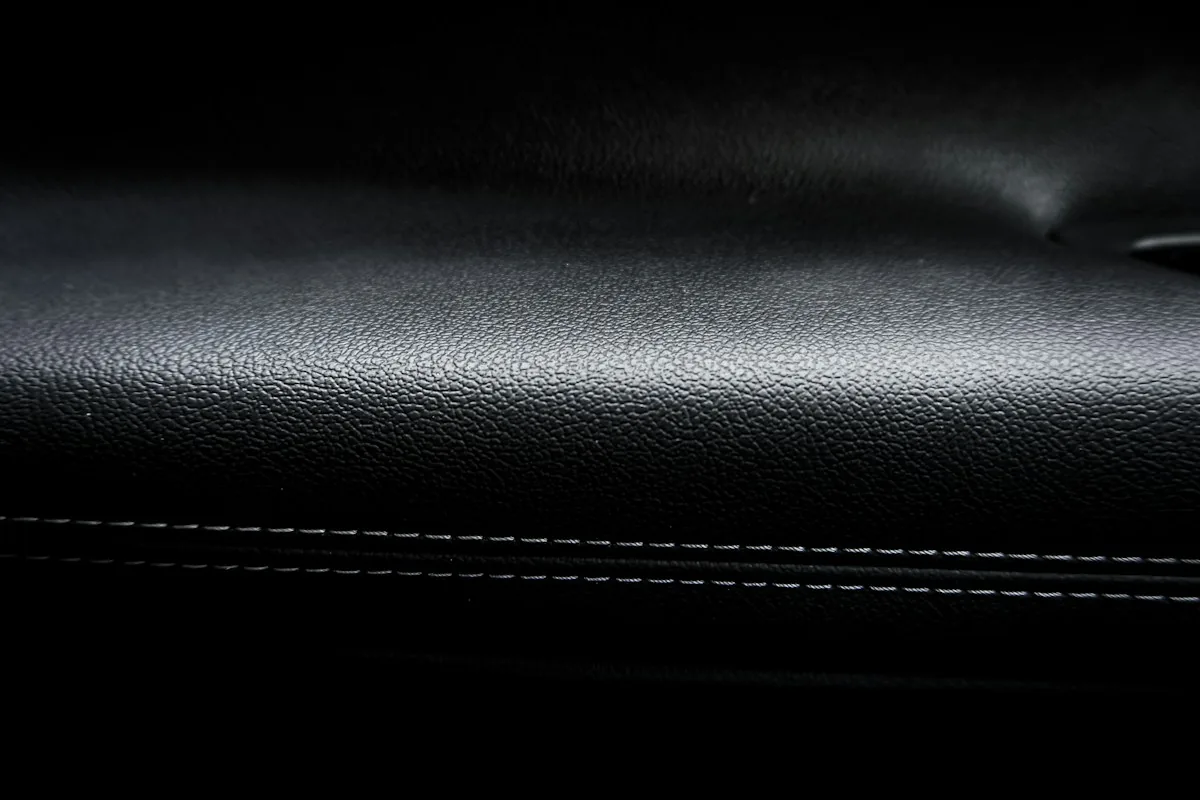
Preparing checked strips in batches by work order can reduce last-minute measuring, cutting and counting before sewing or assembly.
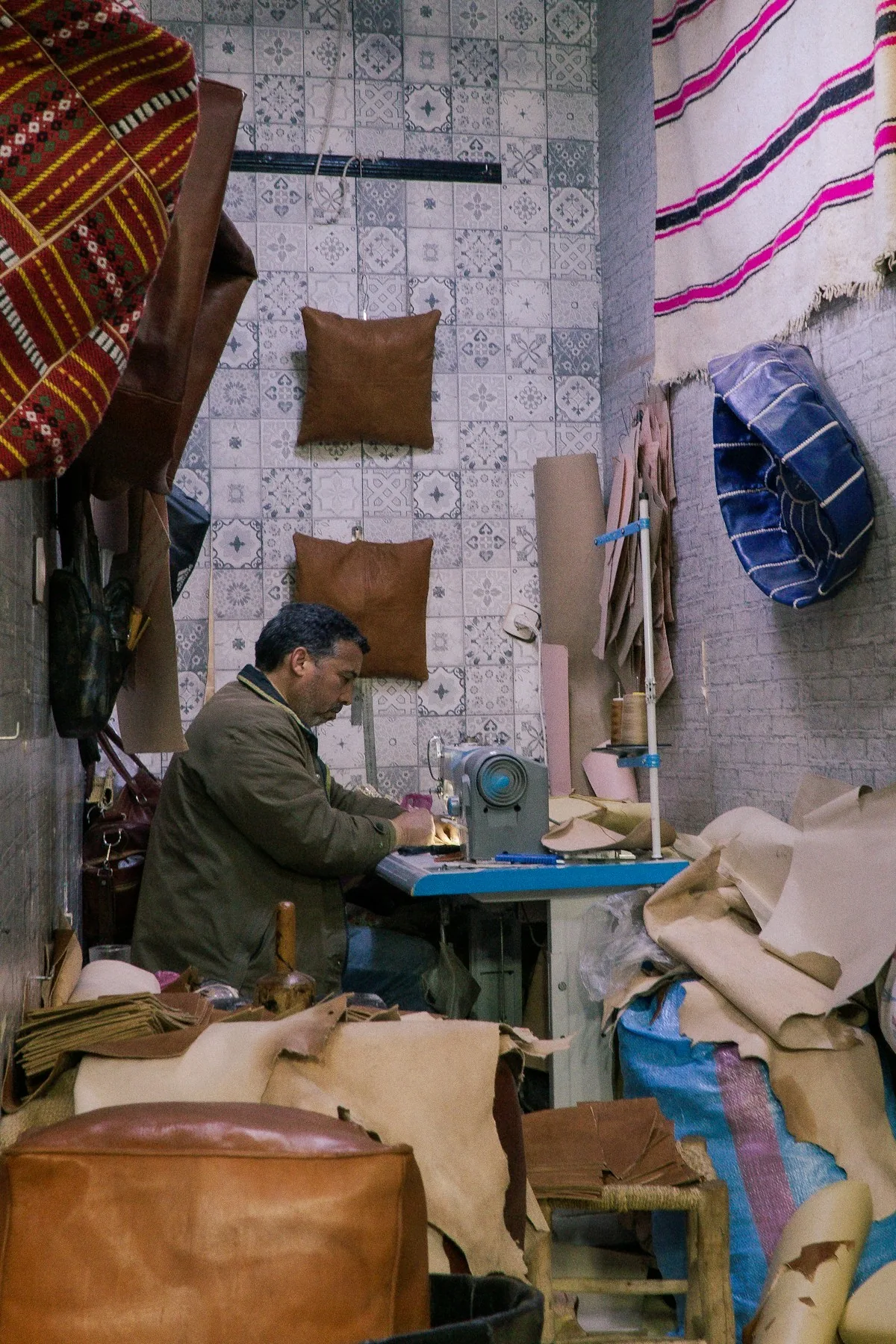
Need narrow strips too? Add slitting
With optional longitudinal blades, compatible rolls can be slit into lanes and then cross-cut into pieces. Here, blade spacing determines strip width and the cross-cut setting determines piece length, unlike the full-width cross-cut strips described above. Confirm the required strip width, lane count and suitability of your faux leather for slitting together. There are 12 separate cutting-width configurations: 300, 400, 500, 600, 700, 800, 1000, 1200, 1300, 1500, 1600 and 1800 mm. Select for your roll width and confirm effective feeding and cutting width. See the Tabletop Automatic Roll to Sheet Cutting Machine for the full list of widths and settings.
FAQ
How do I cut faux leather into strips of the same width?
For full-width cross-cut strips, the feed step corresponds to strip width. Set cut length and batch quantity, measure the first piece at both ends, then sample the middle and end of the batch. Check again after changing material or settings.
Can a leather cutting machine cut synthetic leather rolls?
The HESPER tabletop roll cutting machine lists leather and synthetic leather among its materials. Provide your thickness, backing and target strip width so feeding and edge results can be checked first.
Can I change the strip size?
The cross-cut length is adjustable; the demonstration uses a 100 mm setting. Confirm applicable dimensions for the material and configuration, and measure the first piece after each change. Narrow longitudinal strips require separate confirmation of the slitting setup.
Does the machine stop by itself?
The demonstration shows the machine stopping after cutting the preset quantity. Set your batch quantity and recount the first batch; the machine count does not replace inspection of accepted pieces.
Cutting faux leather strips every day? Tell HESPER your material, roll width and strip size, and we will match a leather strip cutter to your job. Send an enquiry or email sales@hespermachine.com.